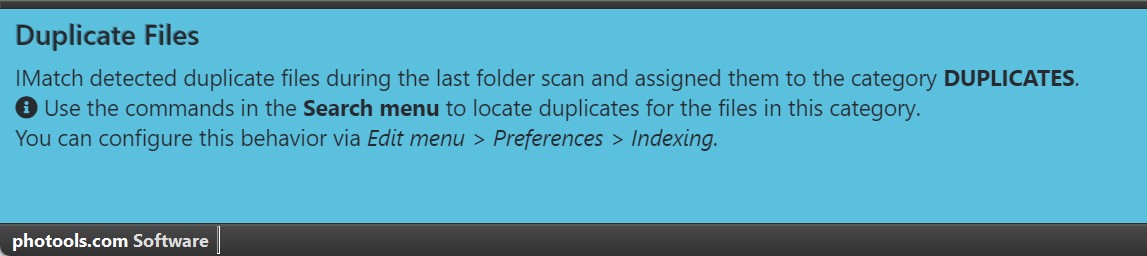
An example for a notification.
IMatch displays important information or instructions in the notification area at the bottom of the IMatch window.
The notification area is only displayed on demand. It appears when IMatch needs your attention or you are required to perform a task.
You can close the notification area at any time via the button on the right side of the panel.
If there are multiple notifications present, the notification area displays navigation controls and automatically switches between all notifications unless you close the notification area.
An example for a notification.